Categories
Category: Tutorials
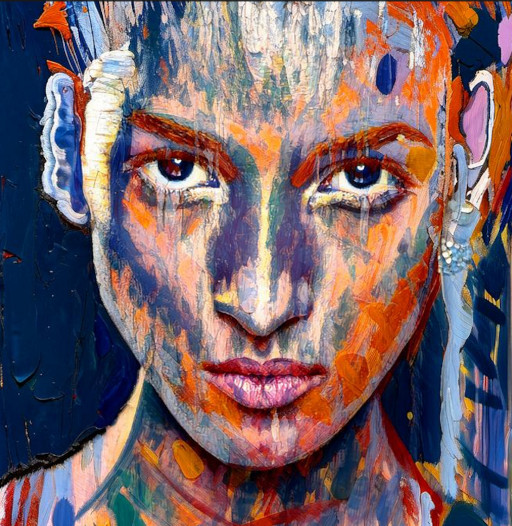
Hello, artist! We’ve introduced two new awesome features: Improve Colors and Original Faces. These features are applied after the initial filter pass, so the way the app now runs is that you’ll see the first filter pass but now the execution will continue until you get the final result. Let’s have a look! Here’s the […]
Categories
New tool: Add To Scene
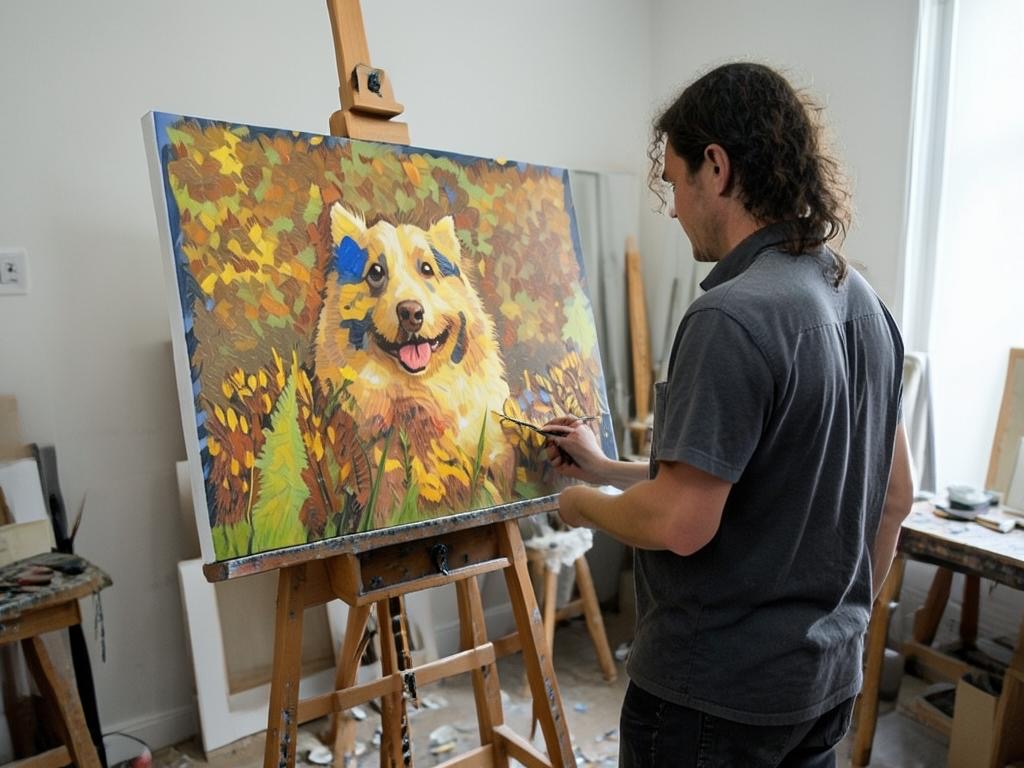
We’re excited to introduce `Add To Scene`, a new awesome tool that will let you create awesome compositions. (Note: this tool is available on the iOS and Mac versions currently. It will come soon to Android and Windows!) Let’s see it in action! Let’s start by choosing an input image: We choose a nice filter […]
Categories
New tool: “Enhance”
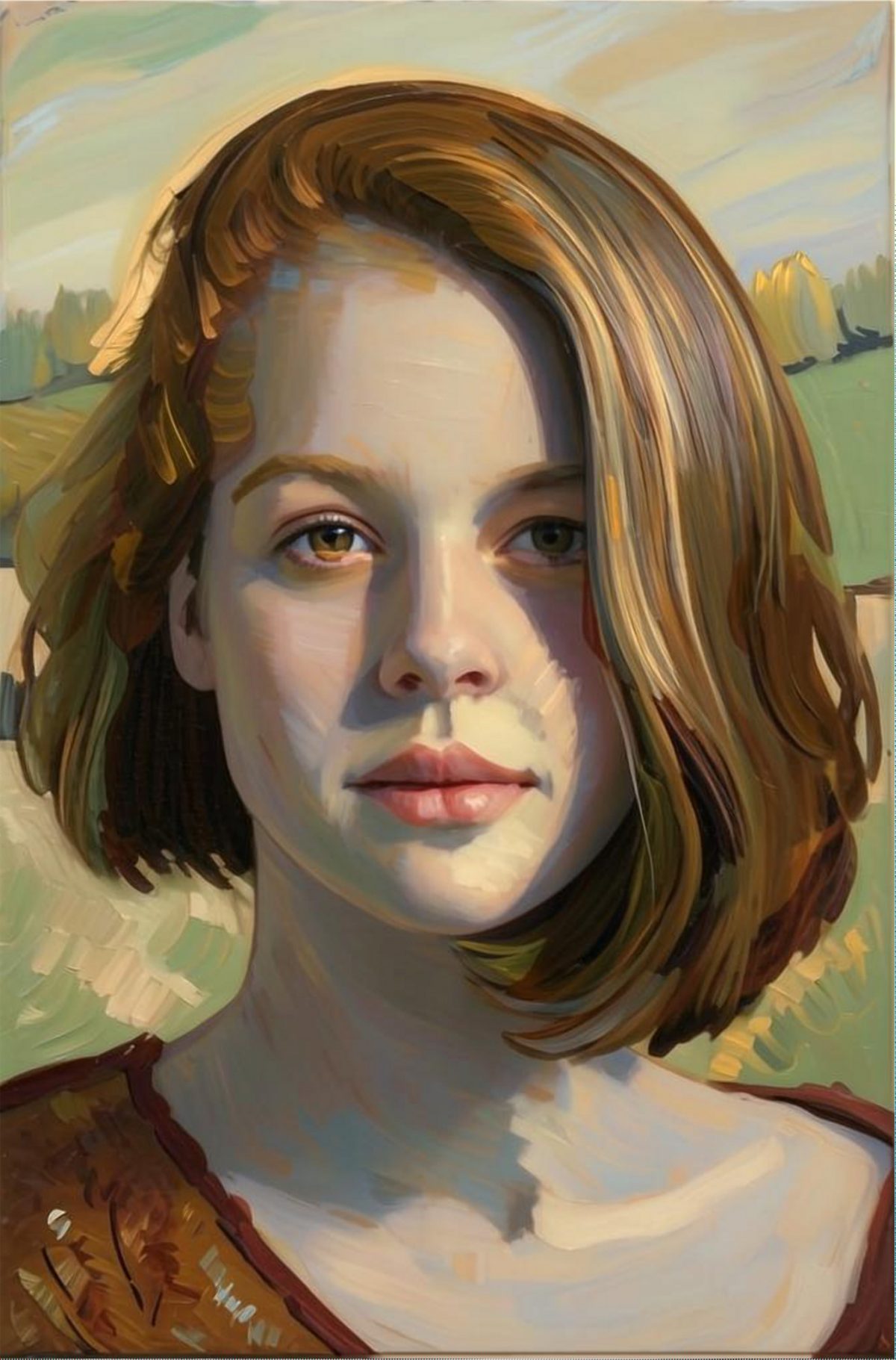
We’ve added a new powerful tool, called ‘Enhance’. As the name implies, it’s used to ‘enhance’ the result you obtain from the initial, base results. Enhance has an ‘intensity’ slider to allow to choose whether to enhance the stylized result or make it more like the original input. It’s useful when you want to preserve […]
Categories
Get Started Filtering

Welcome to your first tutorial, where you’ll see the magic of turning a photo into an artwork with AI. Note: the screenshots below are for SDFX for Apple iPhone/iPad. But don’t worry, these instructions work also for our other AI apps: AI Impressionist Painter, Aquarelle, Graphite, and Stylo, which are part of our AI Bundle. […]