Categories
Information

Welcome, Artist!

Welcome to the world of AI art! This is the documentation section, where you can find info like step-by-step tutorials and art project articles that will help you learn to use the app, from beginner to expert AI artist. Navigating the documentation: Tap on the large ‘Welcome, Artist‘ above to read this in detail. Then […]

Categories
Art Projects Movie

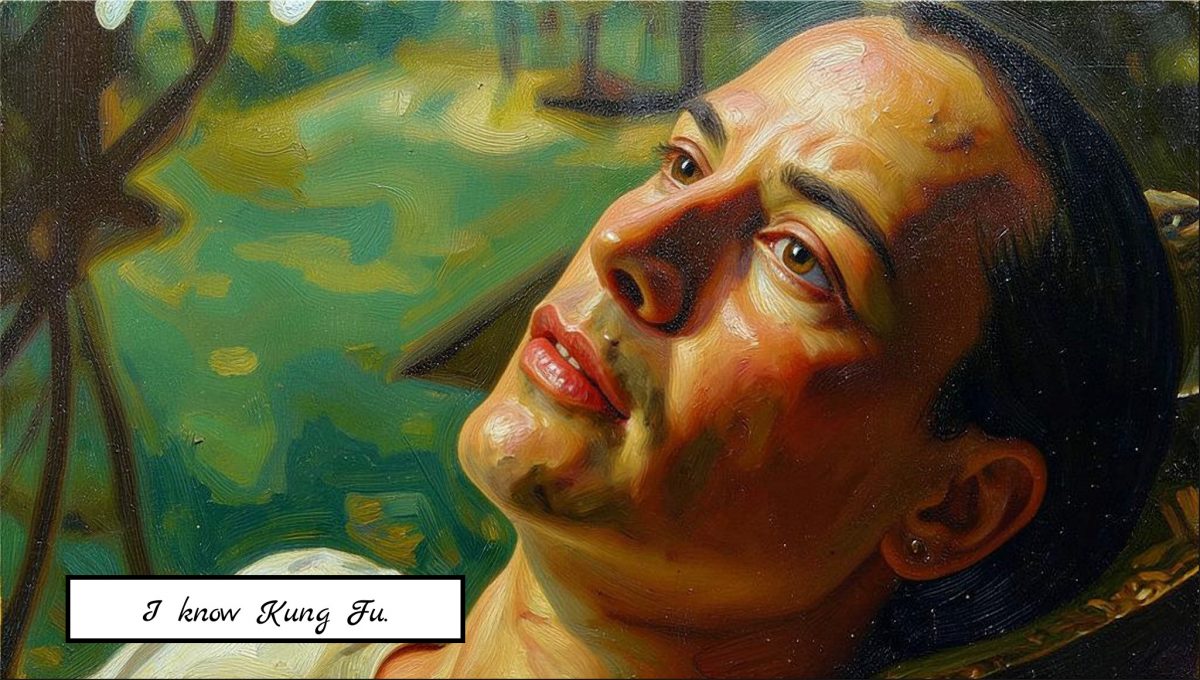
Painted movie scene with filter Oil on canvas

As we did in the previous post, we now paint another iconic scene from movie The Matrix. This time we use filter Oil on canvas, another essential filter from AI Impressionist Painter. Enjoy!

Categories
Art Projects Comic

Create Comic with Stylo

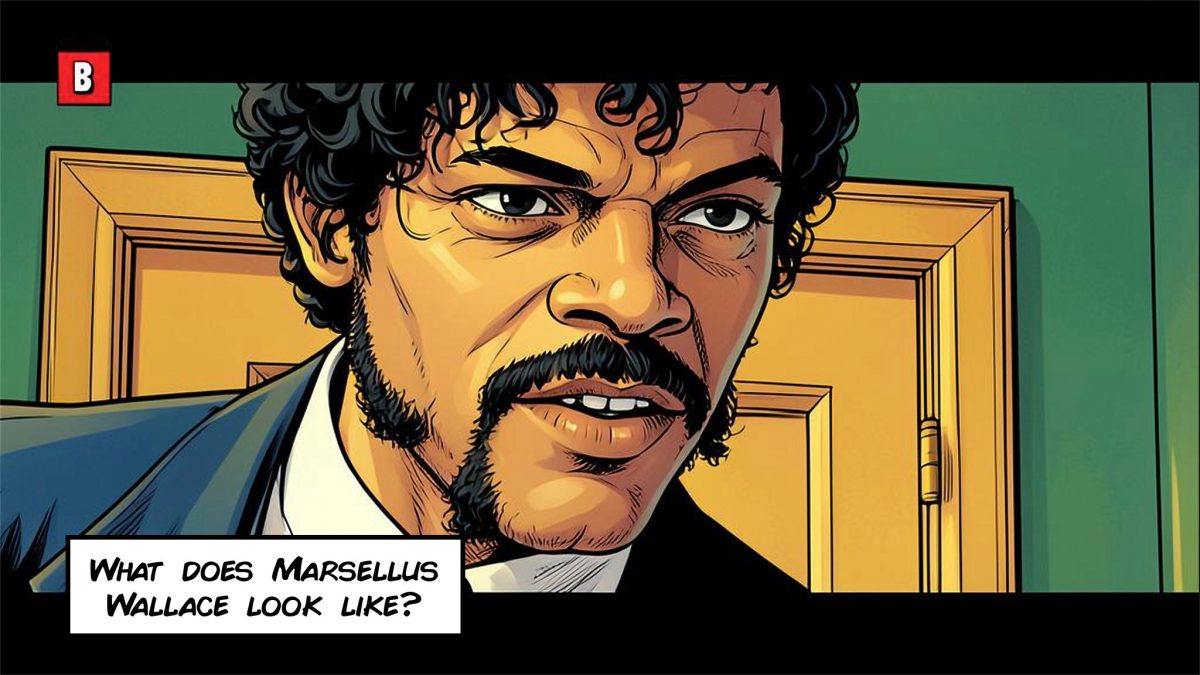
Our comic creation app Stylo has some new awesome effects that can be used to create really awesome looking comic cartoons! To demo that, we’ve used the new filter ‘Graphic novel’ from the Essentials category in the iconic into scene from Pulp Fiction! Tap on the first image below to see the whole comic scene, […]

Categories
Art Projects Comic

Pixel Art Movie Scene

We now filter another scene from iconic movie Wolf of Wall Street, we use awesome pixel art filter from Stylo.

Categories
Information Tutorials

New features: Improve Colors & Original Faces

Hello, artist! We’ve introduced two new awesome features: Improve Colors and Original Faces. These features are applied after the initial filter pass, so the way the app now runs is that you’ll see the first filter pass but now the execution will continue until you get the final result. Let’s have a look! Here’s the […]

Categories
Information

Quick help

Here’s some help to get you started quickly! Tap on the titles to get detailed articles regarding each tool. Refresh (or Apply Style) Tap on Refresh (or Apply Style on Android/Windows) to get a new filtered result. Use sliders Steps and Intensity, more steps/intensity increase style. Enhance Once you obtained a result you like, you […]