Categories
Art Projects Filtered Celebrities

Filtering Albert Einstein

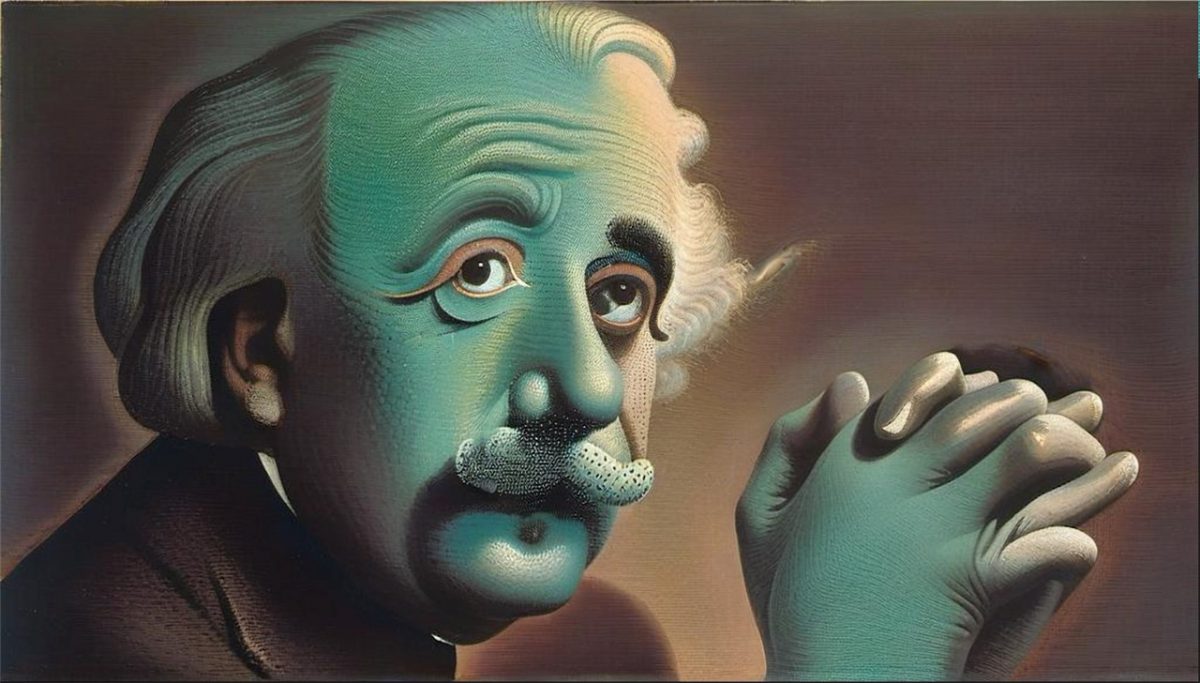
We continue the Filtered Celebrities art project with Albert Einstein: Let’s start having fun! We choose a variety of abstract painting filters: To finish, let’s apply some more non standard filters: We hope you like it! If you haven’t seen it, check out Filtered Trump as well. Have fun!

Categories
Art Projects Filtered Celebrities

Filtering Donald Trump

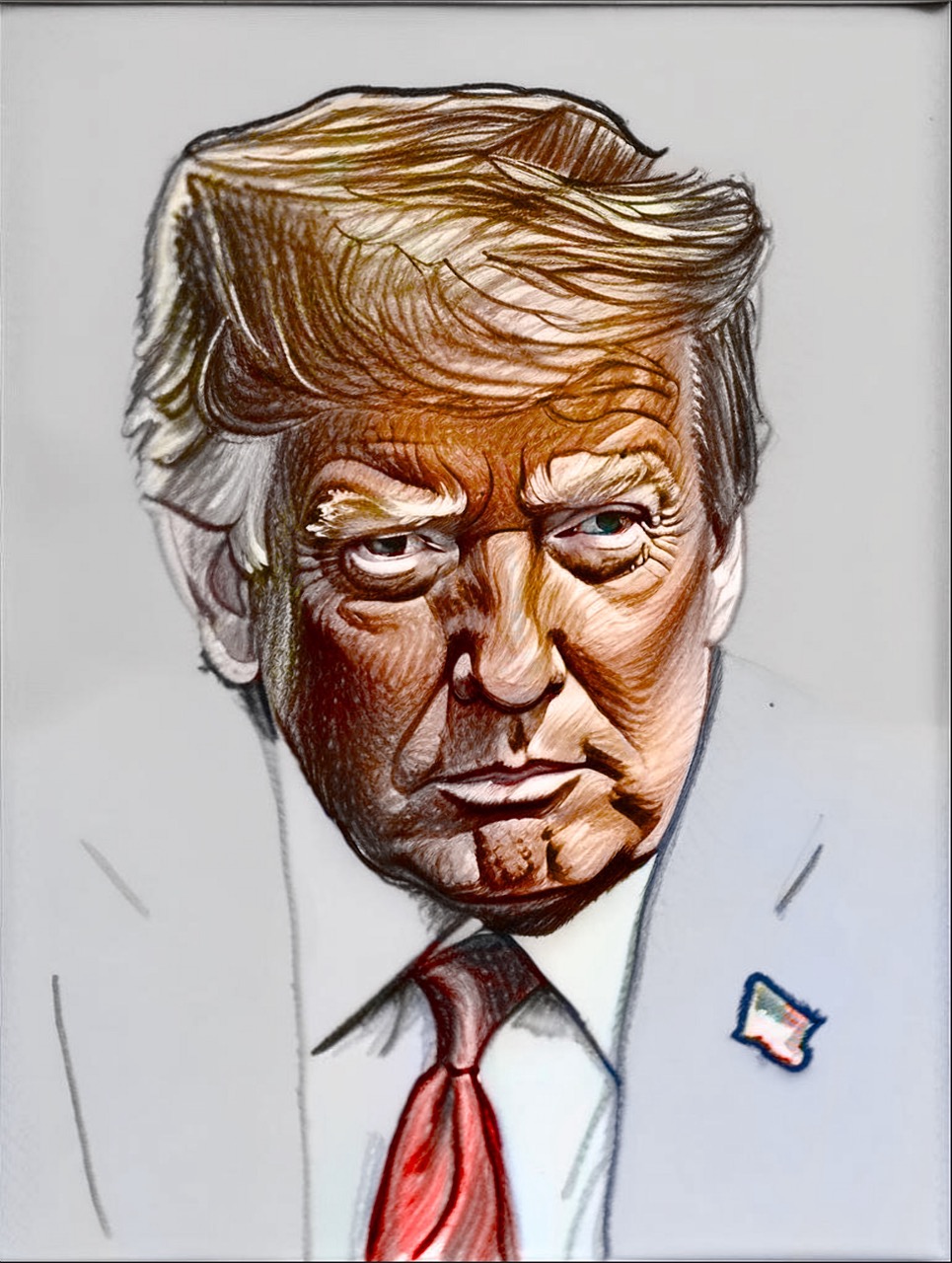
We start a new series of Filtered Celebrities, under the category Art Projects. In this series, we take a celebrity and filter it with some of our filters, so you can have an idea of how amazing results are possible without doing anything else than just inputting the image and selecting a filter. We choose […]

Categories
Tutorials

Get Started Filtering

Welcome to your first tutorial, where you’ll see the magic of turning a photo into an artwork with AI. Note: the screenshots below are for SDFX for Apple iPhone/iPad. But don’t worry, these instructions work also for our other AI apps: AI Impressionist Painter, Aquarelle, Graphite, and Stylo, which are part of our AI Bundle. […]

Categories
Tutorials

Tweaking AI settings

Welcome to the Tweaking AI settings! In this tutorial you’ll learn to adjust the different AI settings that will help you obtain the perfect result. Continuing from the previous tutorial, Get started filtering, let’s choose a filter, here ‘Untitled by Basquiat‘, and input an image, here a violin, then let the app filter: Nice initial […]

Categories
Tutorials

Fixing / retouching & Enhancing to HD

Welcome to this important tutorial that will teach you how to improve your results when the AI isn’t giving you exactly what you need. Let’s start! Choose a filter, like ‘Solly watercolor, and an input image, of a person portrait below, and let the app filter: The result face isn’t exactly matching the input, so […]