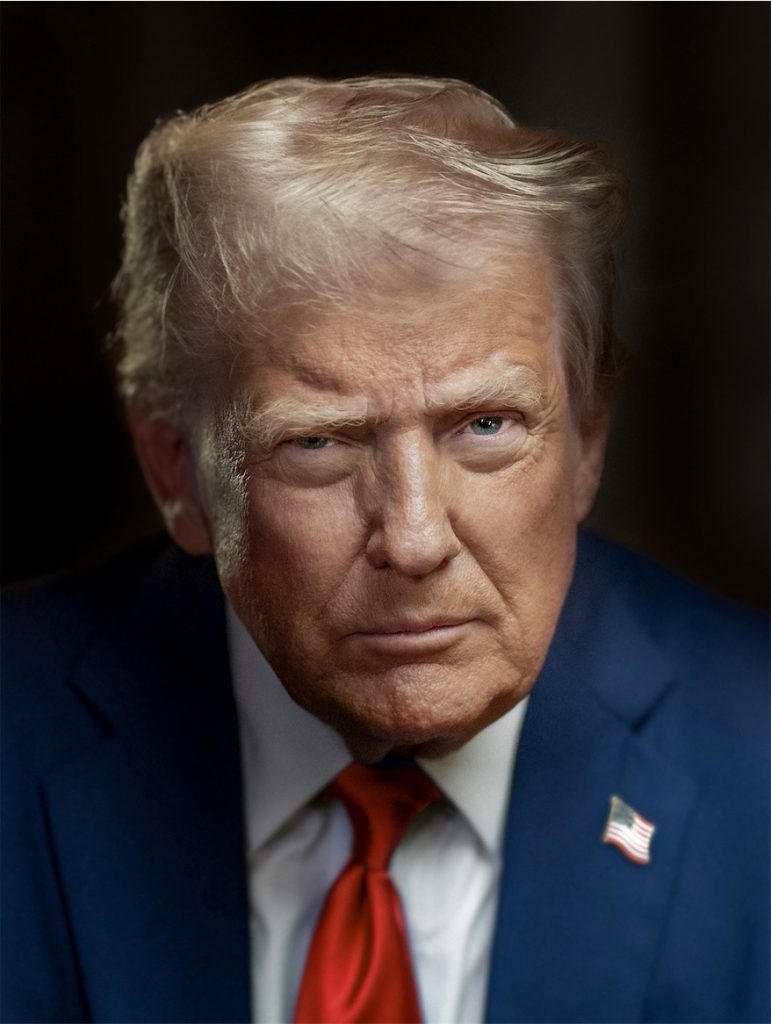
We start a new series of Filtered Celebrities, under the category Art Projects. In this series, we take a celebrity and filter it with some of our filters, so you can have an idea of how amazing results are possible without doing anything else than just inputting the image and selecting a filter. We choose the following portrait of Donald Trump:
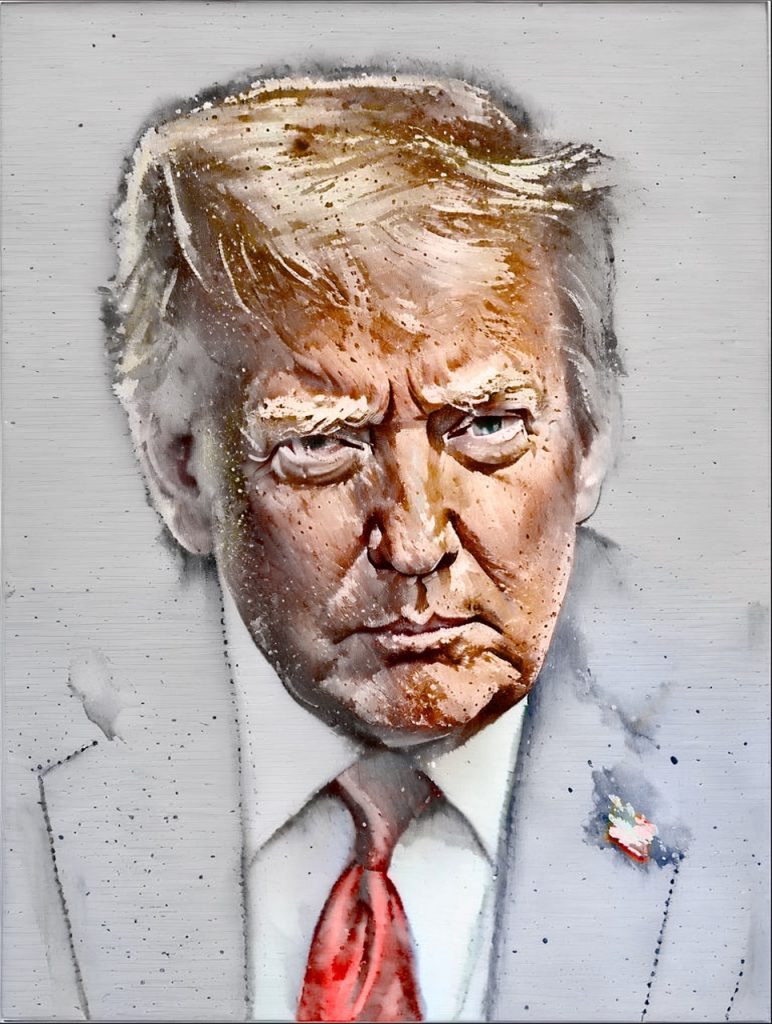
Inputting this image and simply following the steps in Get Started Filtering, so first go ahead and select a filter. Here’s ‘Le Berceau by Morisot‘, from the Painterly category:

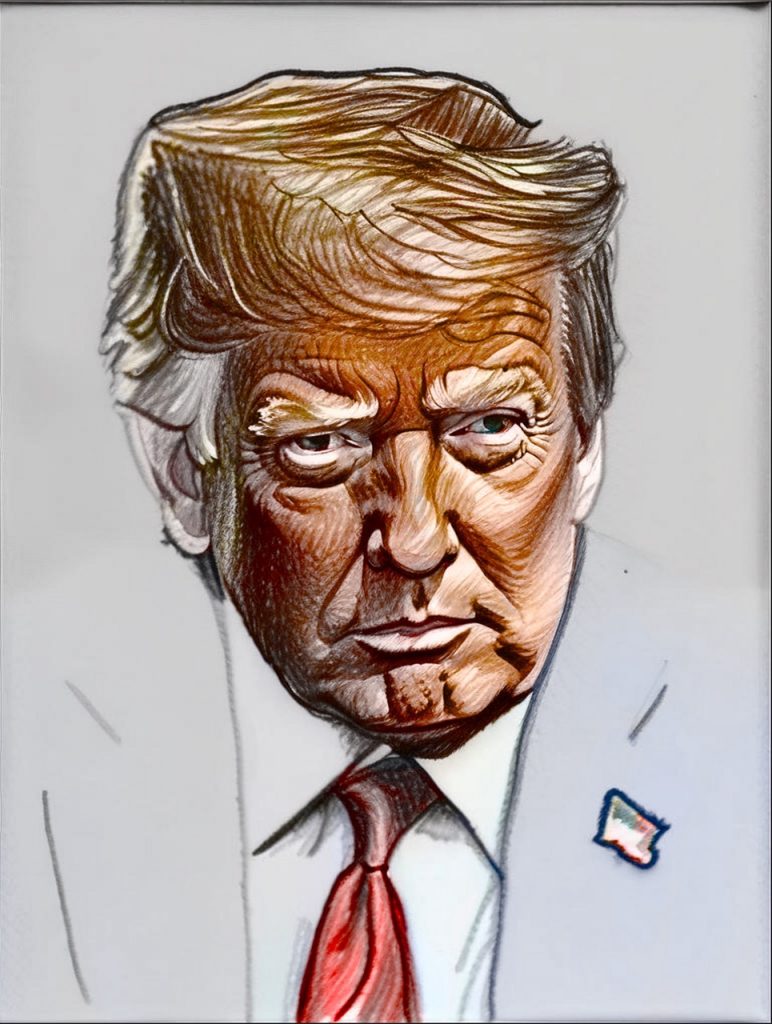
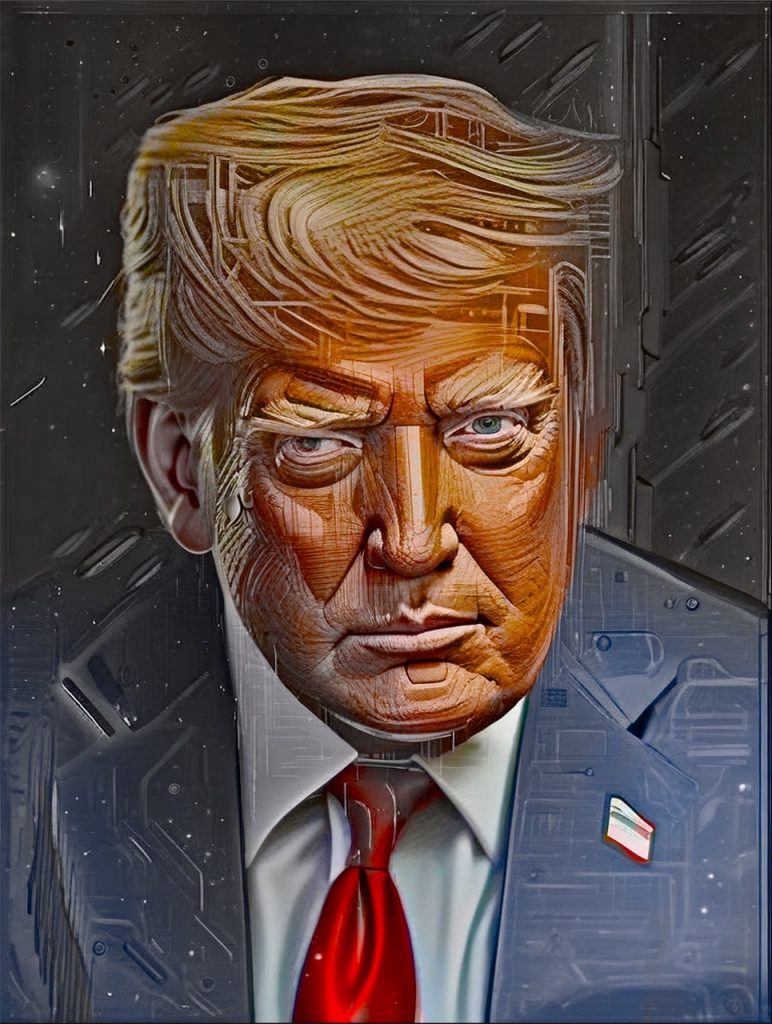
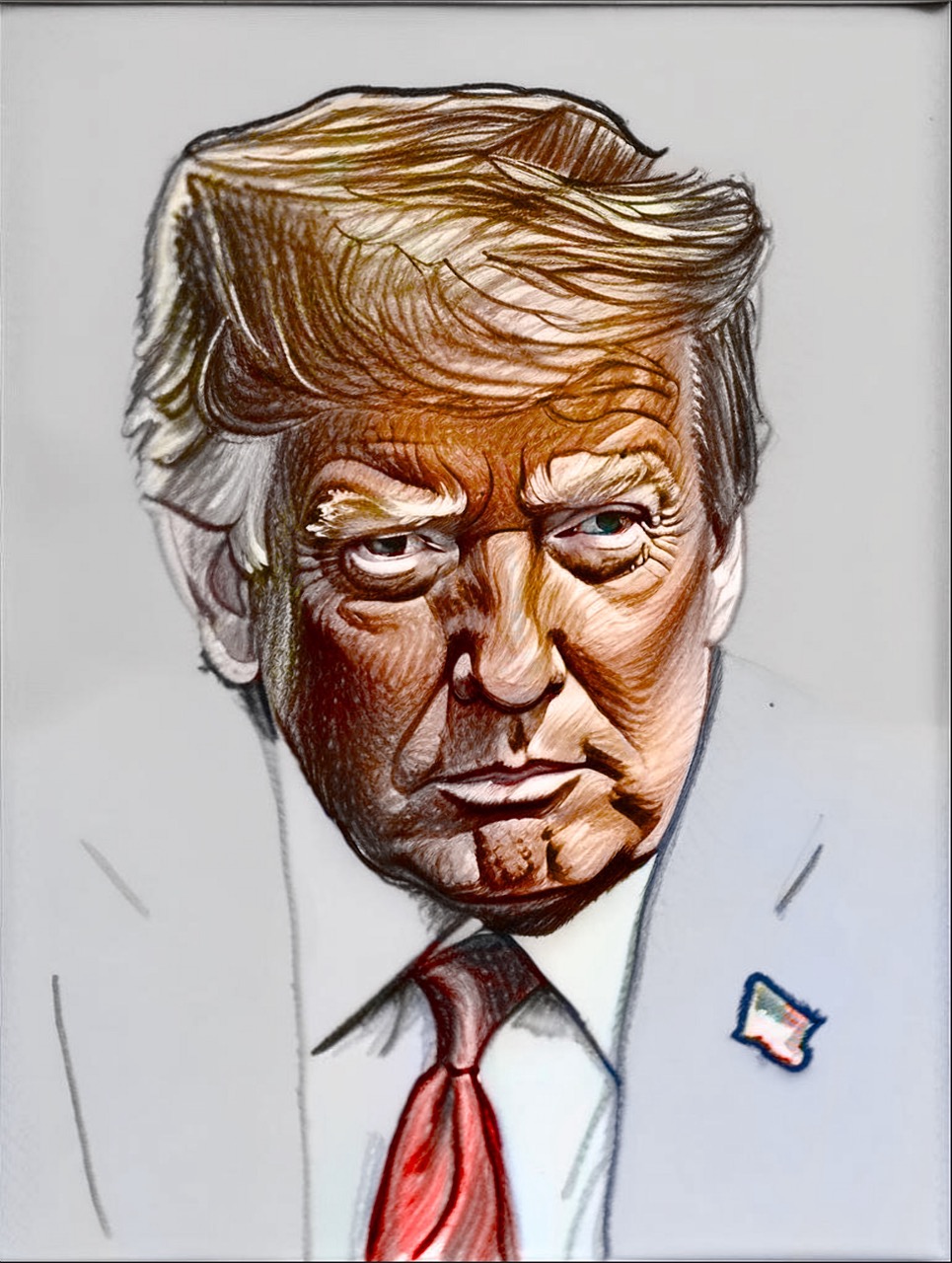
Now, let’s filter with a pencil sketch so that you can see the differences of composing with original colors:

Pencil hand (filter colors) 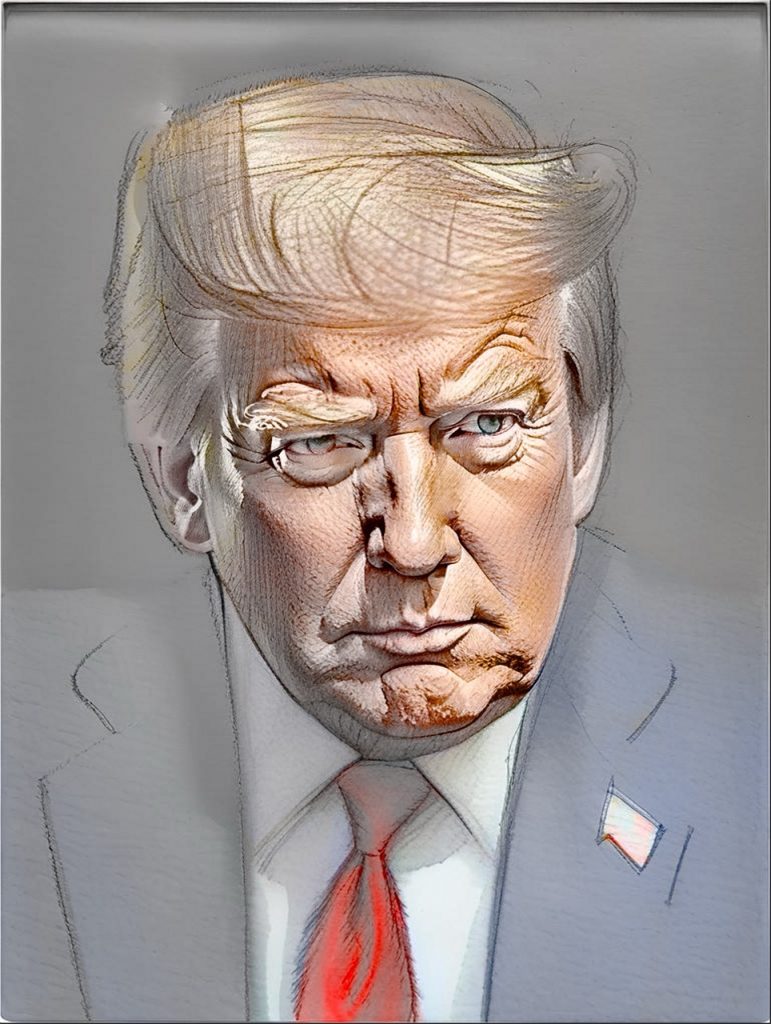
Pencil Hand (original colors)
We hope you liked this post! You can contact us at contact@sdfx.app for suggesting new celebrities to filter, and anyhow we’ll be adding more celebrities soon, stay tuned!
In category Art Projects we will be adding other sub categories like ‘Filtered Famous Places’, ‘Recreating Famous Paintings’, and ‘Refiltering Famous Paintings in Other Styles’, so be sure to check it out.