Welcome to the world of AI art! This is the documentation section, where you can find info like step-by-step tutorials and art project articles that will help you learn to use the app, from beginner to expert AI artist.
Navigating the documentation: Tap on the large ‘Welcome, Artist‘ above to read this in detail. Then use the top arrows to go back/forth as needed.
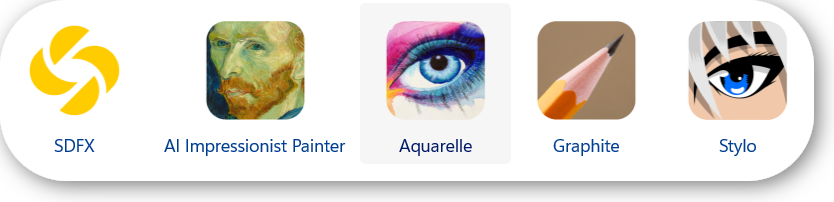
You’re on your way to start creating unique, amazing, beautiful, detailed, and realistic artworks. Our AI is incredibly powerful, and will help you create stunning art. Meet all our AI apps here (one subscription unlocks all of them!):
Ready to start your artistic journey?
- Learn to use the app with the Tutorials: Head on to Get Started Filtering to produce your first artwork. You can then learn about our AI art apps and subscription in the AI Bundle and Subscribing article. Once you learn how to create & save your first works, you can head on to Tweaking AI settings for a detailed tutorial on how to manage the AI parameters that greatly influence the results you get. You can then read on more advanced topics in Retouch / Fix & Enhancing to HD.
- Get inspired with examples of usages & filters in the Art Project categories:
If you have any difficulties, please reach out to us via email, we’ll be happy to help.