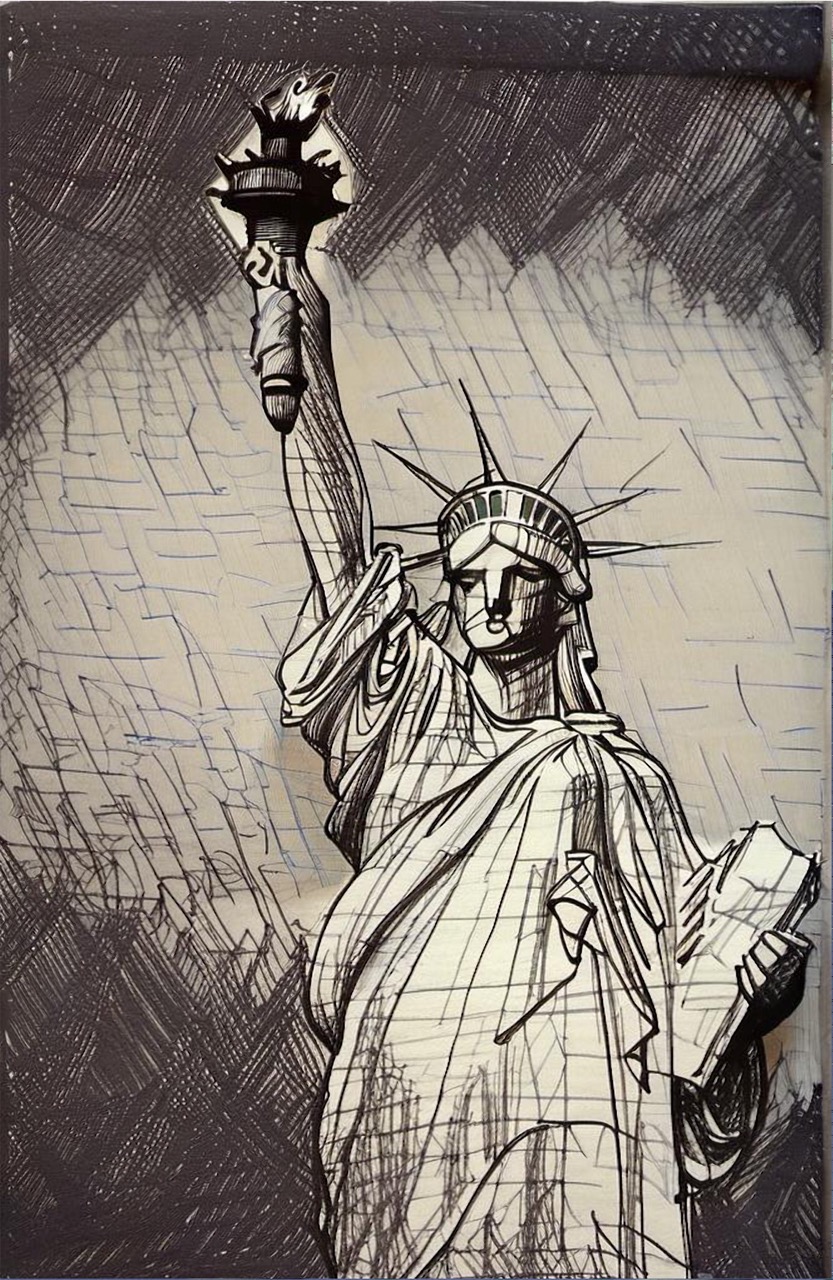
We continue the Filtering Places series with another iconic landmark: The Statue of Liberty!
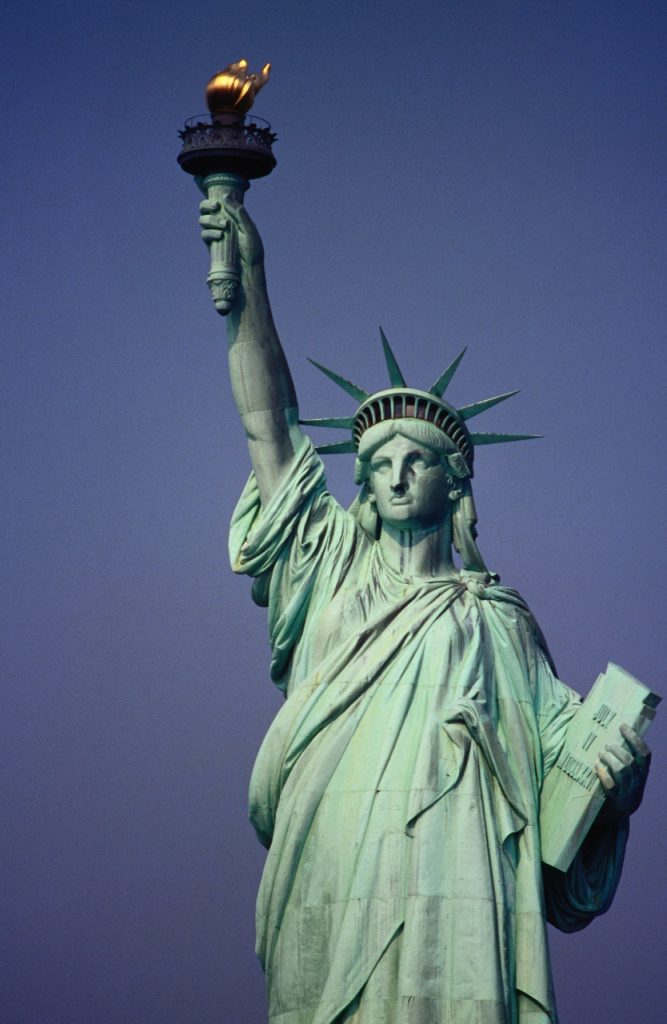
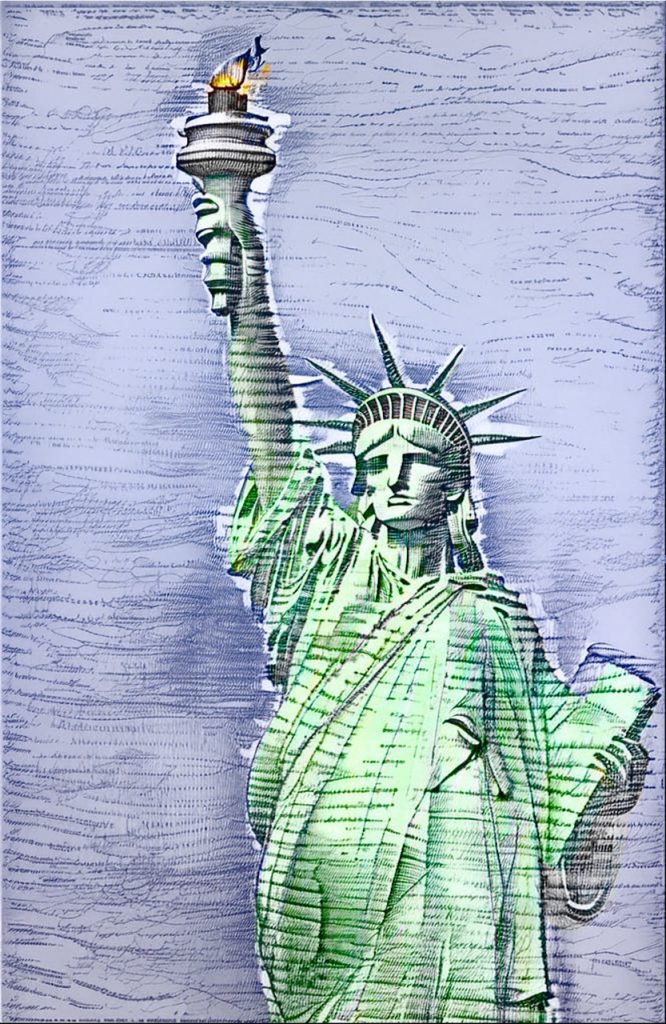
Let’s start with some watercolor filters which will suit nicely to the statue.
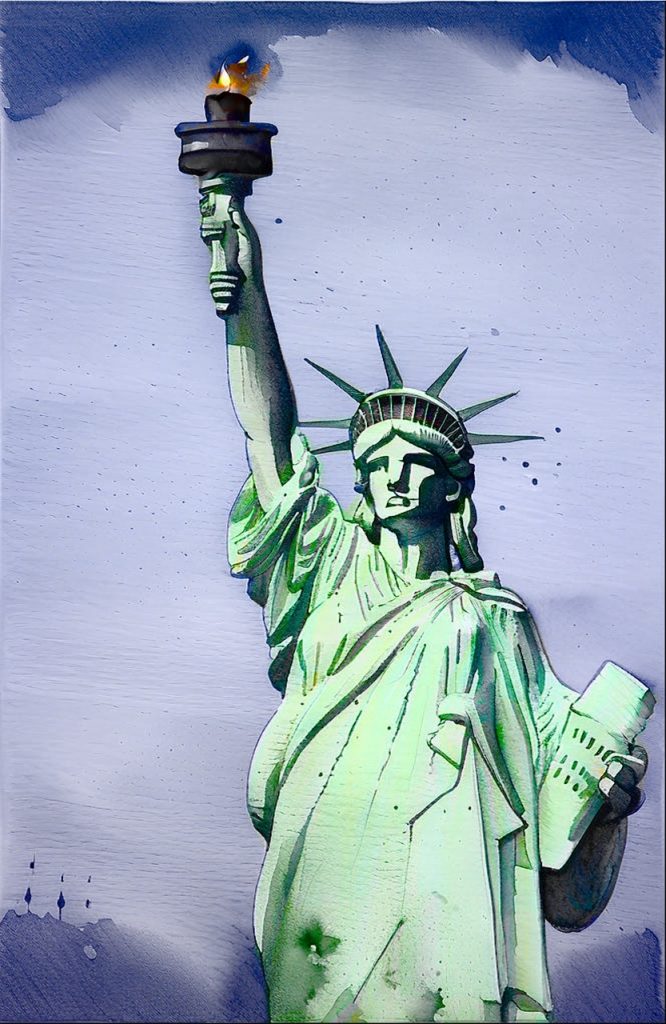
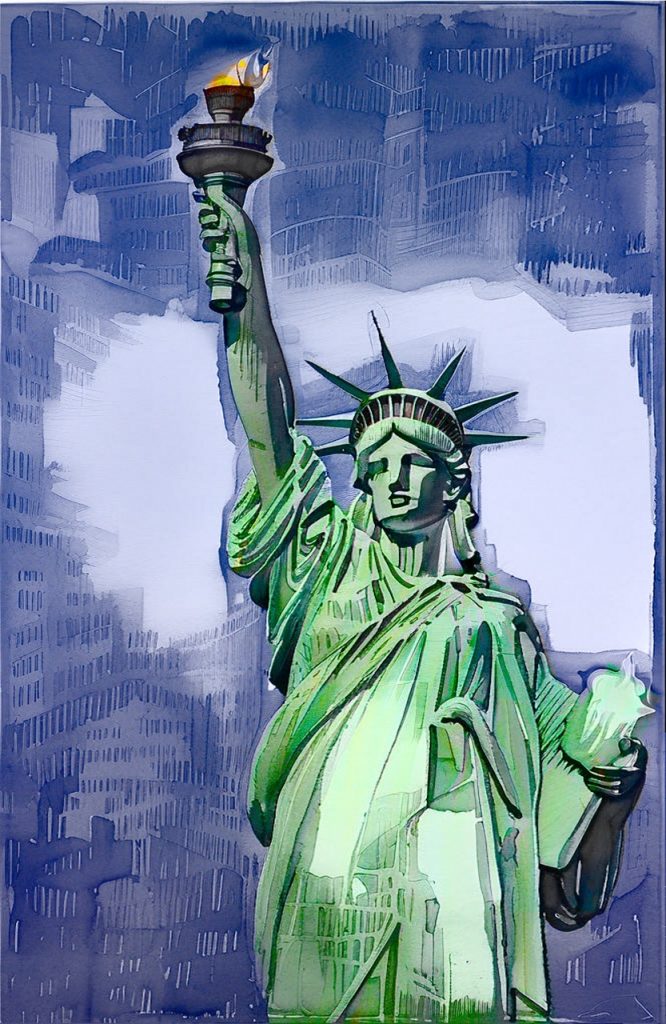
Now a classic filter, Udnie:
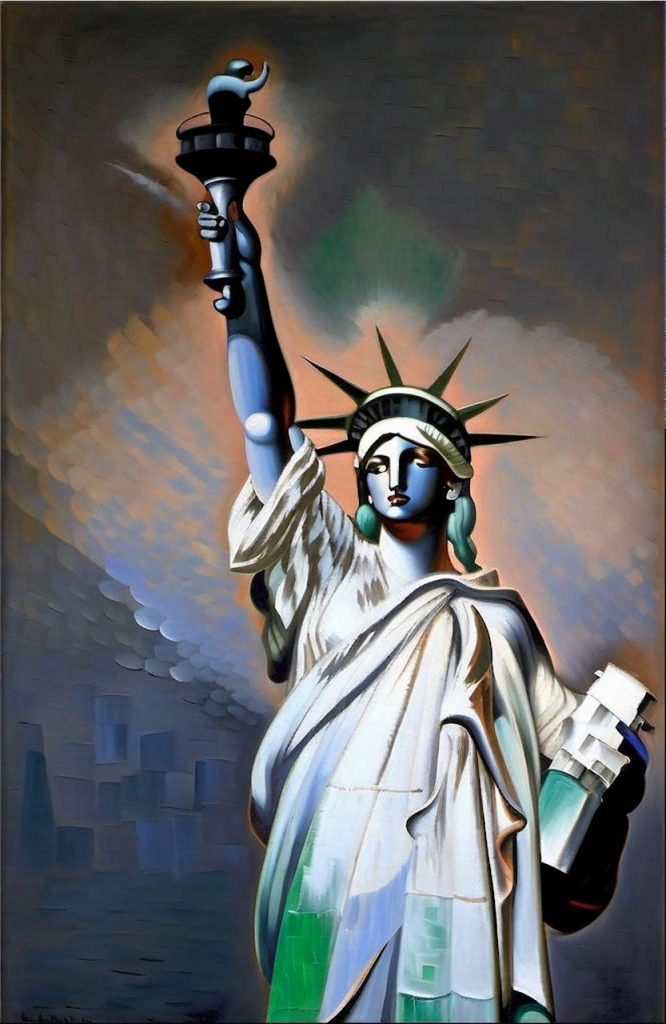
And while we’re at it, let’s try the classic ‘Starry Night’ filter:
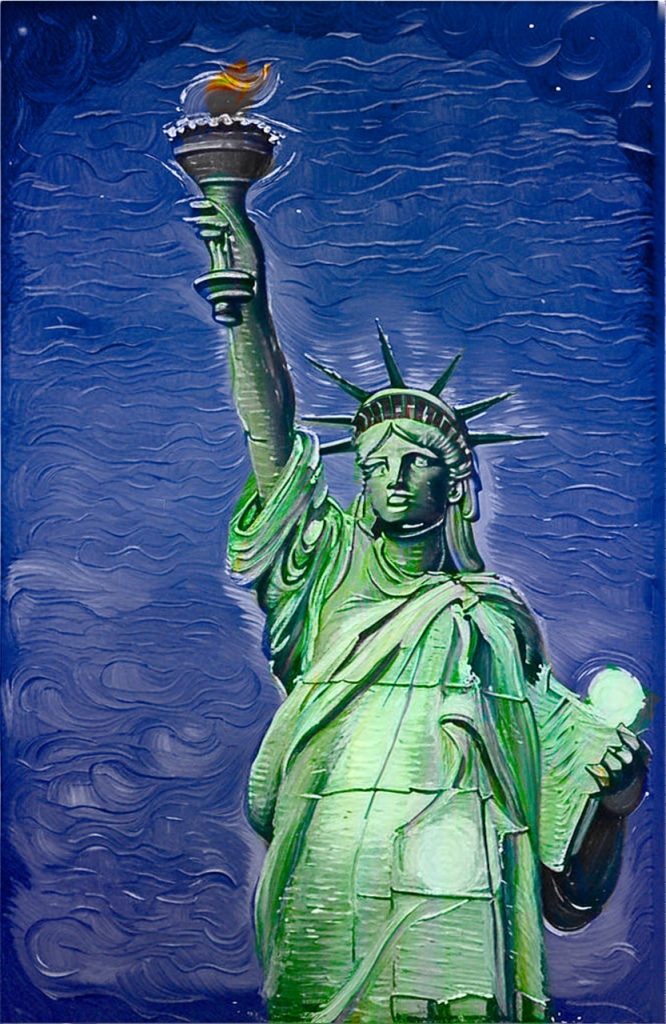
It’s now a good momento to refilter this in HD so you can appreciate the difference in brushstroke detail:
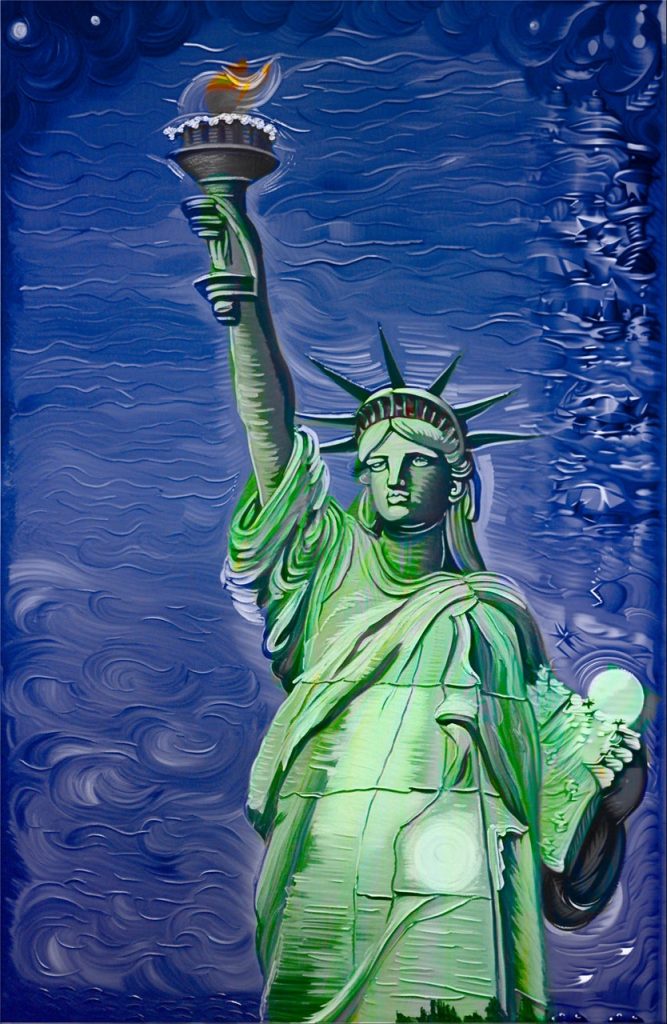
As you can see, sometimes HD introduces some artifacts like you see on the right: that’s because of tiling, and will need to be removed either via cropping or refiltering.
Now let’s try something else, with an impasto filter:
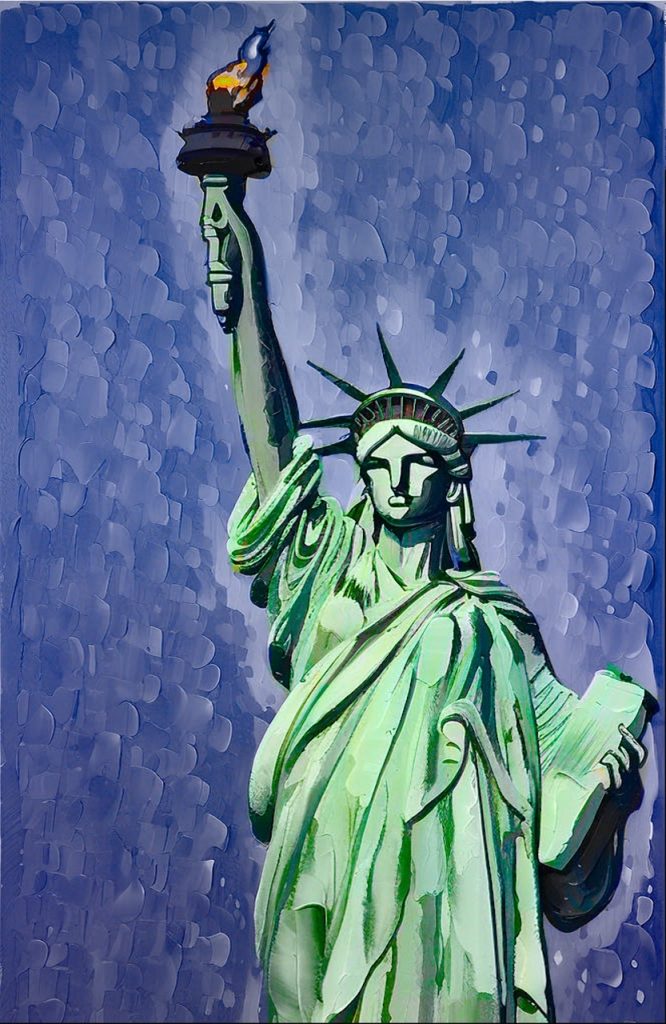
All these are composed with the original colors. Let’s have a look at how the colors impact with or without that composition, for example with the fabulous filter The Scream by Munch:
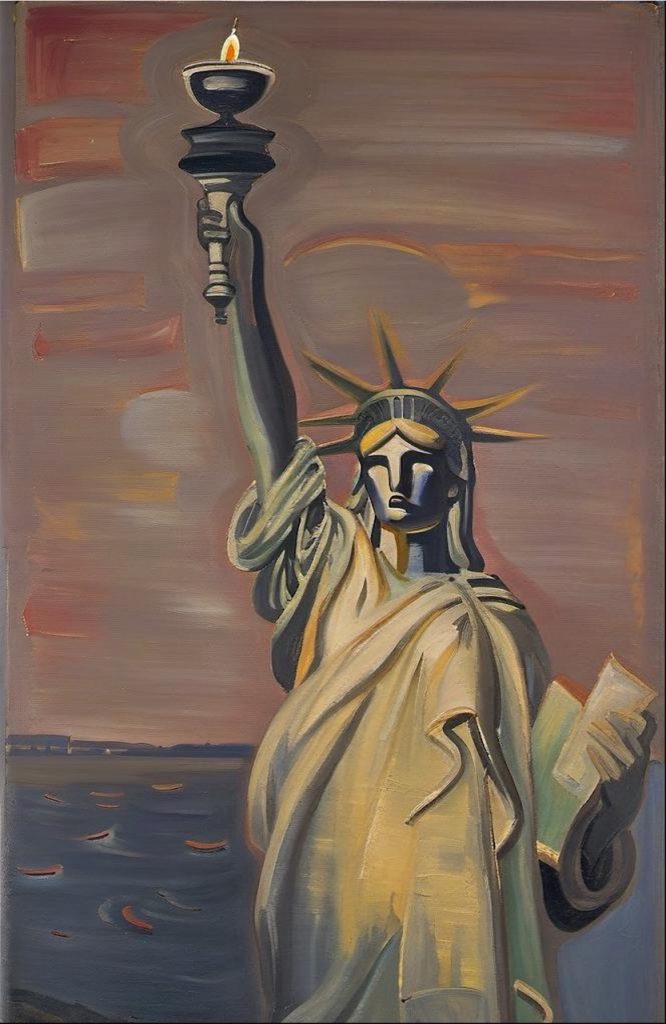
The Scream by Munch 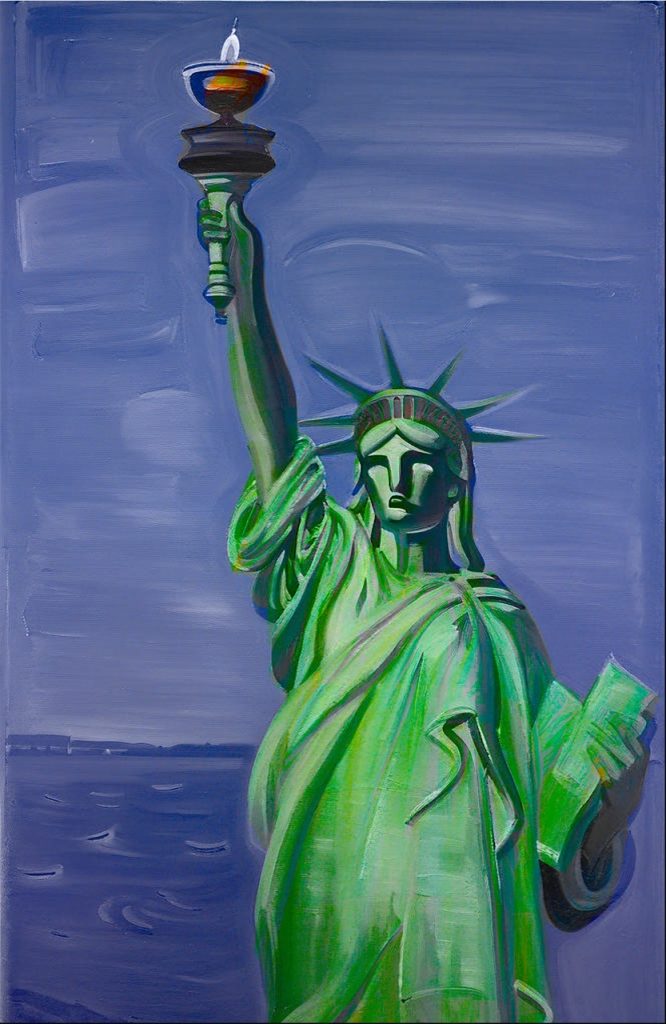
The Scream by Munch (original colors composition)
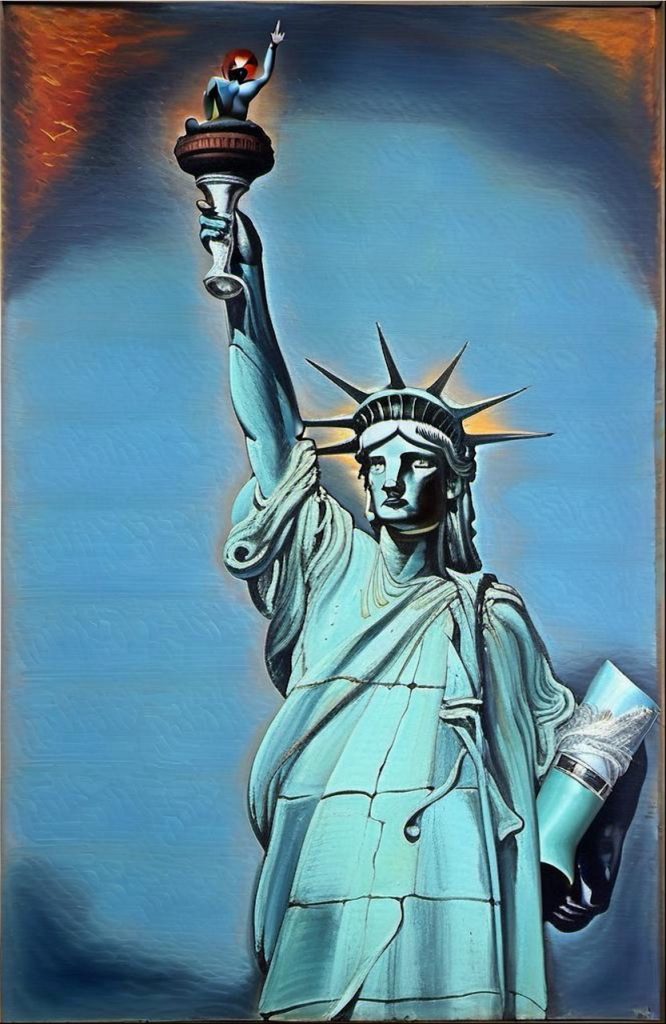
How about now a more abstract, crazy filter? Let’s apply a Dali filter:
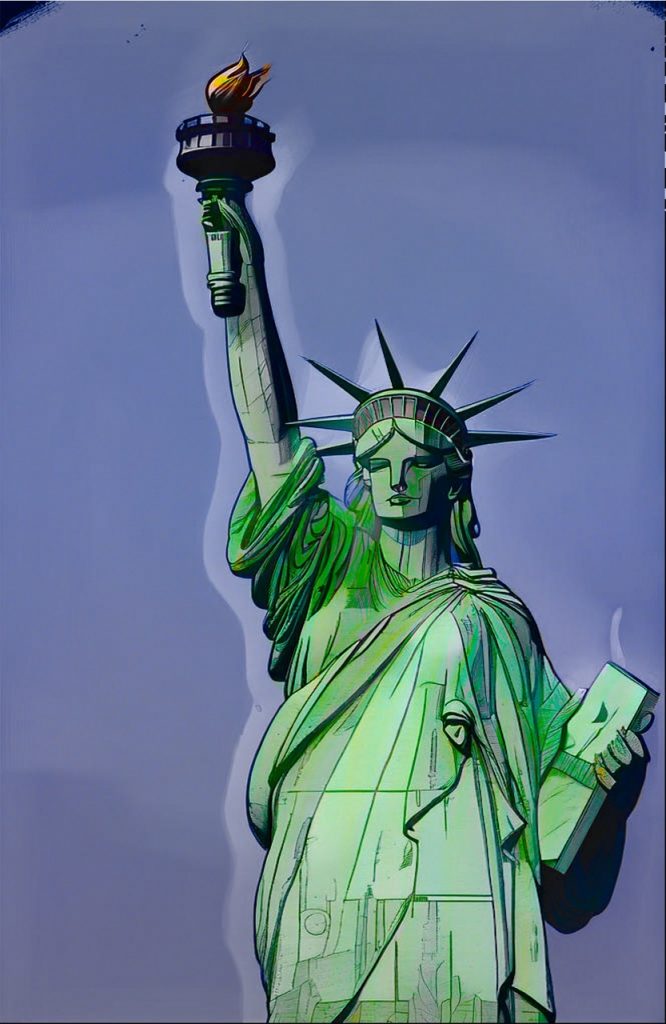
Comic & Cartoon
Let’s continue with more cartoonish filters:
To finish, let’s apply a nice sketch filter, both variants of original and filter colors:
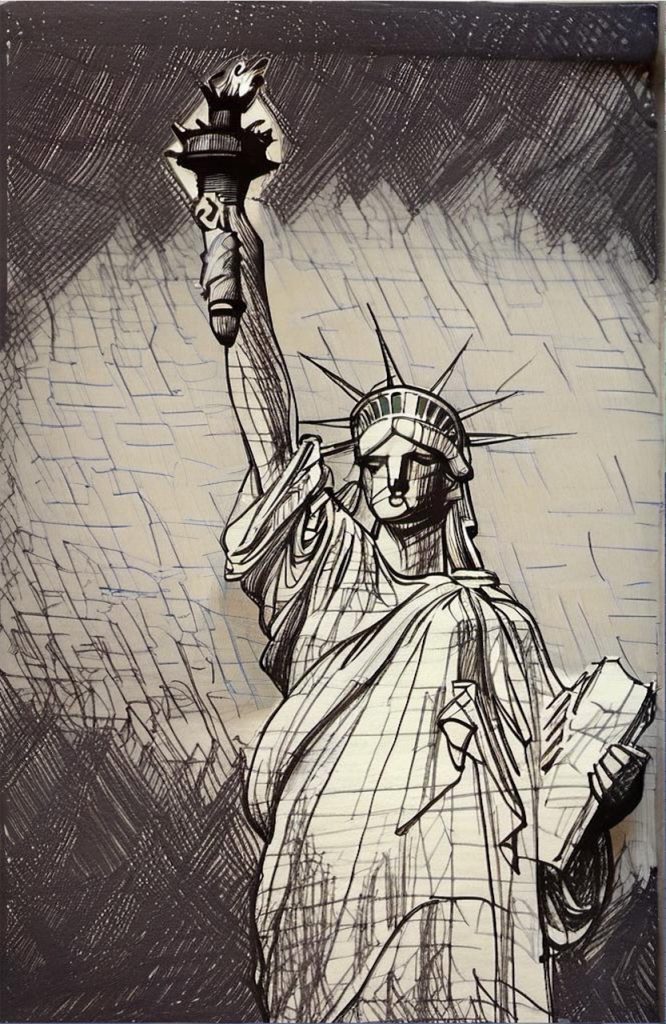
Sketch on Paper (filter colors) 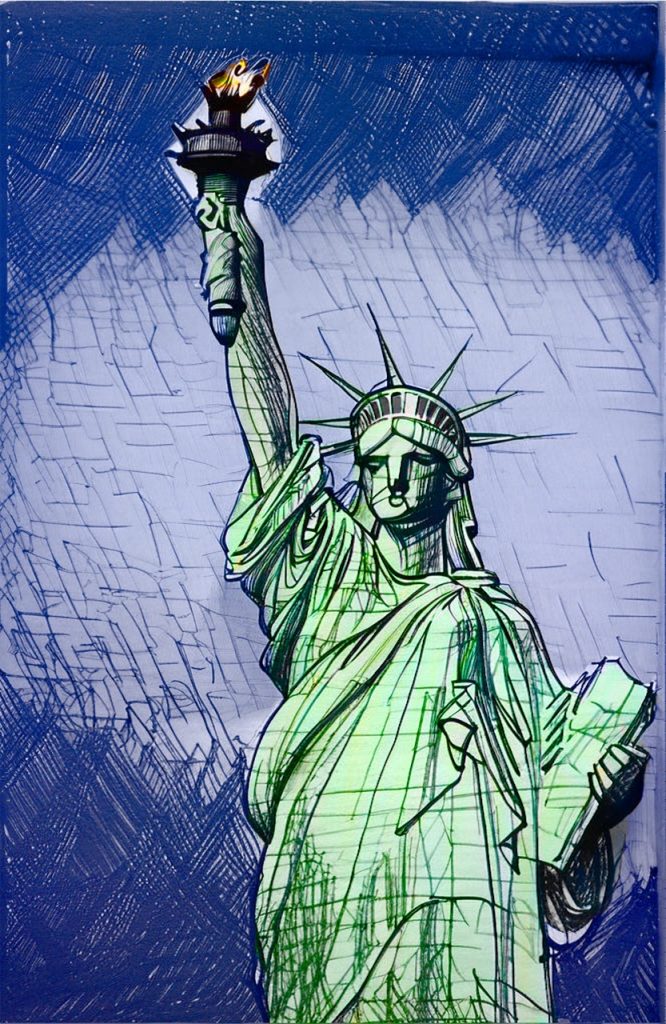
Sketch on Paper (original colors composition)
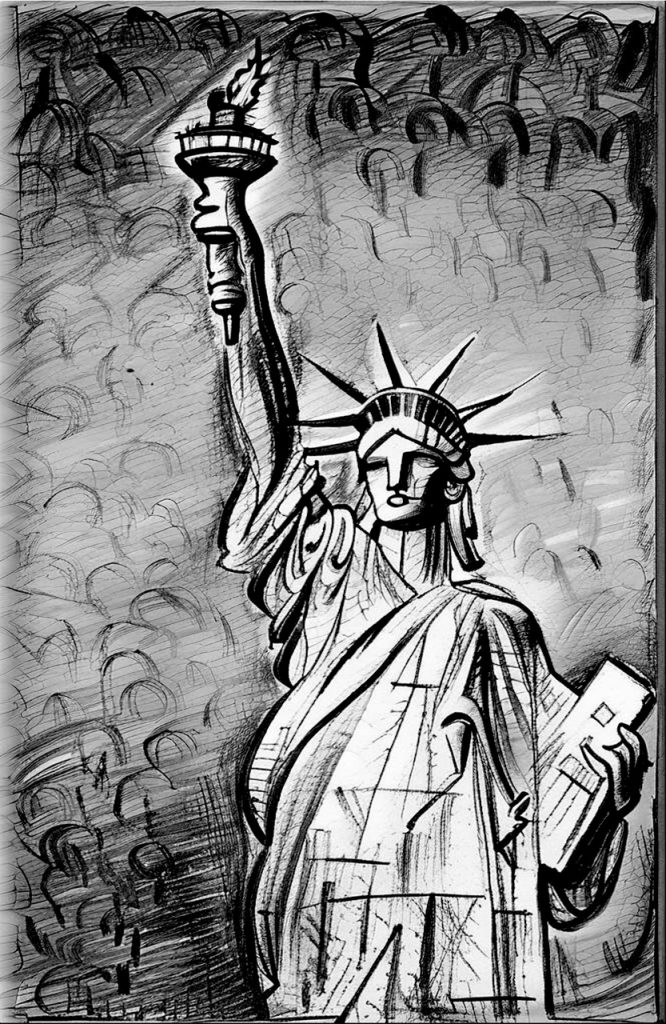
To finish, let’s create a nice sketch:
We hope you like this post! For other examples check out the Filtered Eiffel tower post, or browse the whole category of Art Projects.