We have developed a family of AI art apps, each one with a different edge, but all powered by an incredibly powerful AI that can generate amazing artistic pieces. Here are the apps:
 | SDFX: vectorial art / general purpose image filters |
 | AI Impressionist Painter: impressionist painting filters, filter library from the masters |
 | Aquarelle: watercolor filtering and learning |
 | Stylo: comic / cartoon filters and magazine design |
 | Graphite: pencil sketch filters, and montage |
Each app has a large library of different, cool filters tailored to the specific case. Be sure to try each of them! (One subscription unlocks everyone, more on that below.)
Platform Availability
Our apps are available on all major platforms: Apple iPhone/iPad, Mac, Windows, and Android.
| iPhone | Mac | Android | Windows | ||
| SDFX | link | link | link | link |
| AI Impressionist Painter | link | link | link | link |
| Aquarelle | link | link | link | link |
| Graphite | link | link | link | link |
| Stylo | link | link | link |
Unlocking everything and Subscribing
When you launch the app, you can tap on the top right unlock icon, and you’ll see the subscription screen, shown below. Choose Yearly, or Monthly. Yearly gives a 75% discount over the Monthly option. To start a 3 day free trial tap on the bottom button: it will go through Apple’s payment flow, and then after that you’ll be taken to the sign in screen: here you need to create an account with us so we can later save your subscription.
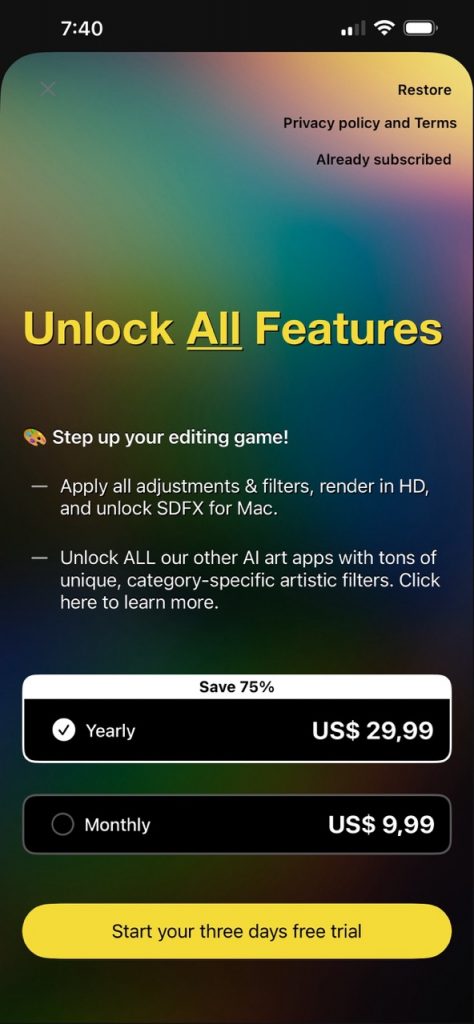
Subscription screen 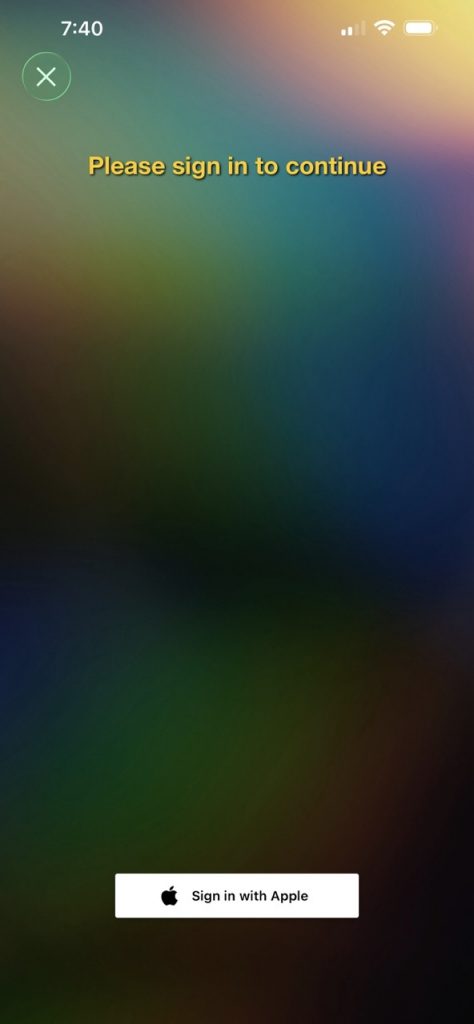
Sign in screen 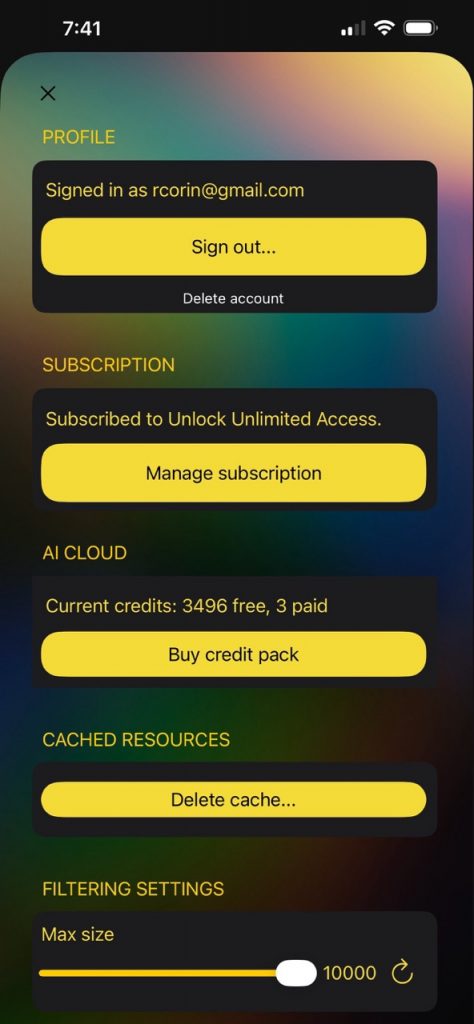
Settings screen
Subscription features
What are the benefits of subscribing? Well, for one, you’ll be supporting the future developments of our apps. But more specifically, you’ll get:
- Access ALL filters and settings
- Enhance to HD and retouch/fix areas
- Removes ads/watermarks
Also, you get access to ALL our AI art apps!
When you subscribe to one app, then all of the other apps become unlocked as well. (This is for apps in the same platform, except on Apple where both iOS and Mac are unlocked together.) So, for example, if you subscribe to SDFX for iPhone, you can install Aquarelle, and instead of subscribing there you just sign in, and the app will be unlocked. How to sign in:
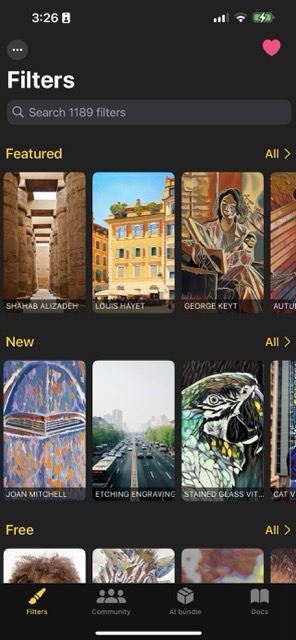
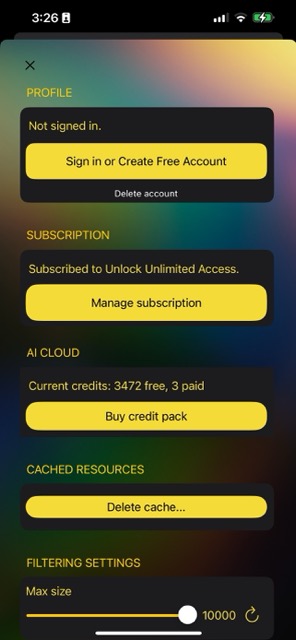
Sign in: On the main screen, tap on the top-left … dots, which will bring the settings screen above on the right. Then tap on the first button, ‘Sign in or create free account’. You need to sign in with the same email account as what you used in the subscribing app!
Filter credits
To regulate the access to our AI cloud, each time you filter an image we’ll deduct one credit from your account. But don’t worry, you have lots of credits and they get reset every day—practically never running out of them. But we do need to put this setting to prevent abuse of our servers.
Credit rules: 500 daily credits and 1500 monthly credits included in your subscription. On top of that, you can purchase more credits in case you really need to filter a lot suddenly. To buy credits, go to the settings screen (top left … dots button) and tap on Credit packs:

If you have any concerns please mail to us.